Crystal Pro Cp 10K - How To Use Guide UK
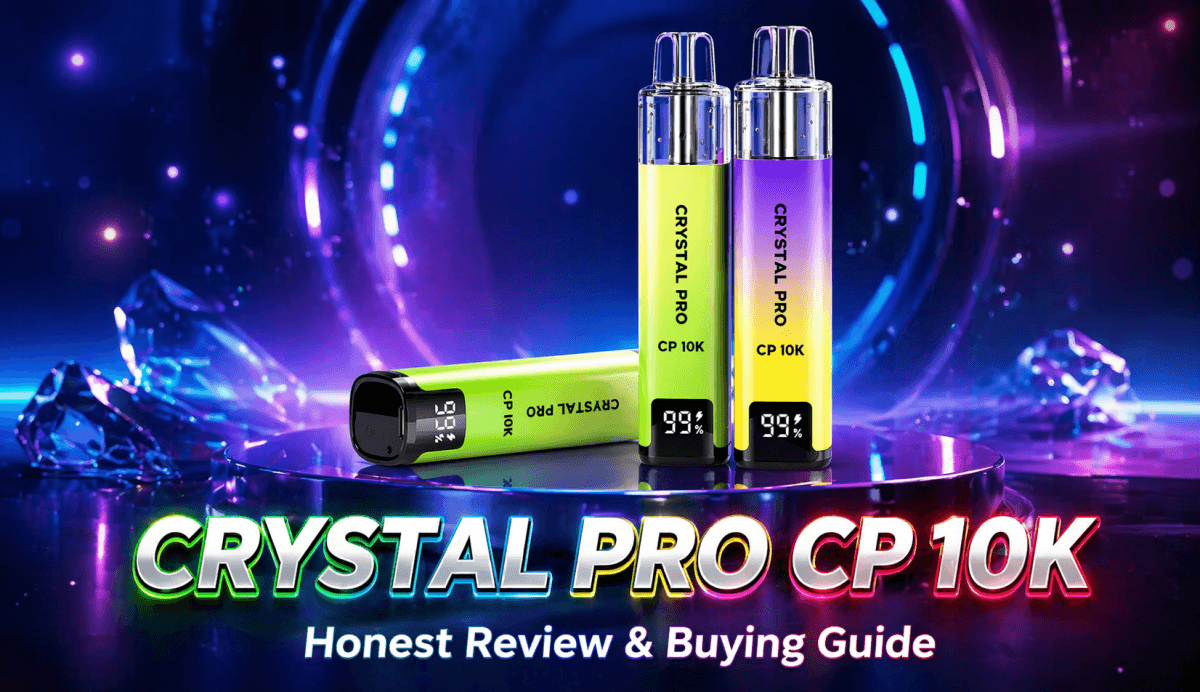
Ready to upgrade from standard disposables but not quite ready for a complex vape kit? The Crystal Pro CP 10K offers the ultimate middle ground—delivering a massive 10,000 puffs with the ease of a 'pull and play' system. In this guide, we break down exactly how to set up your device, decode the digital display, and share the essential tips you need to ensure your coil stays fresh and flavourful until the very last drop."
Tags Cloud
The Ultimate Guide to the Crystal Pro CP 10K: Setup, Tips, and Troubleshooting
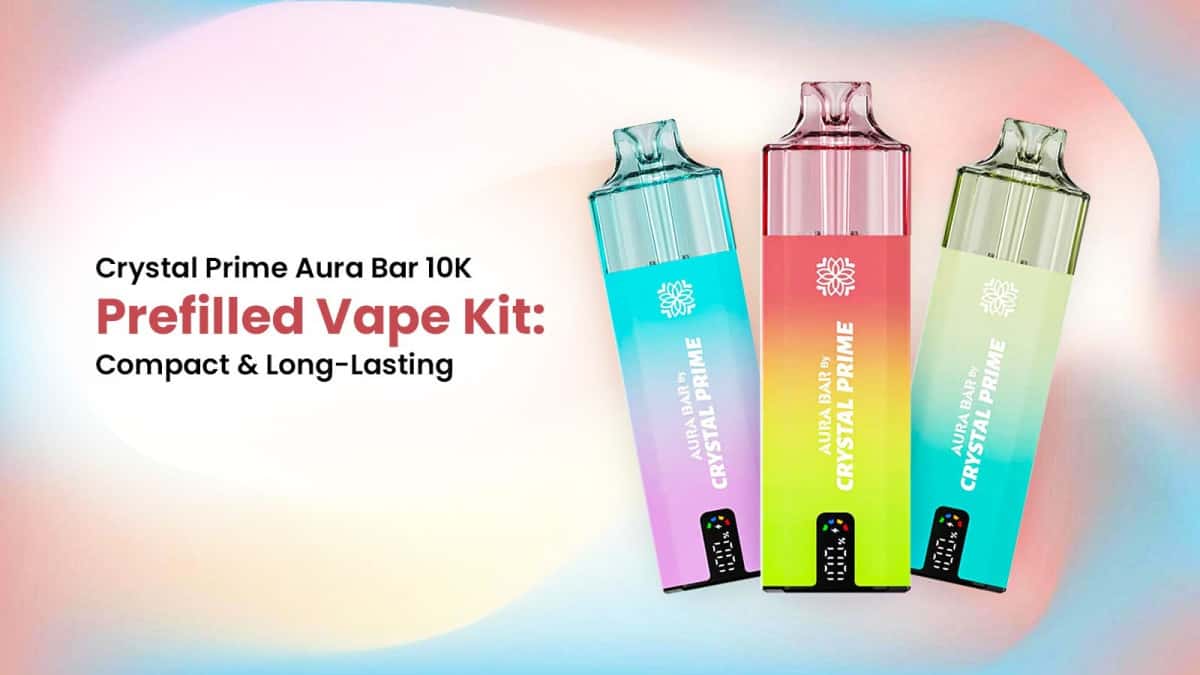
The Crystal Pro CP 10K is making waves in the vaping world by offering the convenience of a disposable with the longevity of a much larger device. If you’ve just picked one up, you might notice it looks a little different from your standard vape bar.
Because it uses a unique 10ml + 2ml Refill pods system to stay TPD-compliant while offering 10,000 puffs, there is a specific way to set it up. Here is everything you need to know to get started.
What’s in the Box?
Inside the packaging, you will typically find:
- The Battery Device: The rechargeable base featuring the digital display.
- The Prefilled Pod: A large 12ml container (2ml tank + 10ml reservoir).
- USB-C Charging Cable: (Usually included, though some regional versions may vary).
How to Set Up Your CP 10K (Step-by-Step)
Unlike a standard 600-puff bar, you cannot vape this the second you take it out of the box. Follow these steps to avoid burning the coil:
- Remove the Seals: Peel off the sticker at the bottom of the pod and remove the silicone plug from the mouthpiece.
- Activate the Pod: Most models feature a "Pull & Play" mechanism. You may need to pull a small plastic tab or press the base of the pod to allow the e-liquid to flow from the 10ml reservoir into the 2ml coil chamber.
- Insert the Pod: Slide the pod into the battery device. You’ll feel it click into place via the magnetic connection.
- THE MOST IMPORTANT STEP (The Wait): Once the pod is connected and activated, wait 3 to 5 minutes. This allows the mesh coil to fully saturate with e-liquid. If you vape immediately, you will burn the dry cotton and ruin the pod.
- Start Vaping: There are no buttons! Simply inhale on the mouthpiece to activate the device.
Understanding the Digital Display
One of the best features of the Crystal Pro CP 10K is the built-in screen. It helps take the guesswork out of your day:
- The Percentage (%) Number: This shows your battery life. When it gets low (below 10%), it’s time to find a charger.
- The Droplet Icon: This indicates your e-liquid level. While it is an estimate based on puff duration, it gives you a great heads-up for when you’ll need a replacement pod.
Charging Your Device
The CP 10K features a 1000mAh battery, which is quite large for this type of kit.
- How to charge: Use the USB-C port at the bottom.
- Pro Tip: Avoid using "Fast Chargers" (like MacBook or high-wattage iPad plugs). Stick to a standard 1A or 2A USB port (like a PC or a standard wall plug) to preserve the battery's lifespan.
- Pass-through Vaping: Most CP 10K devices allow you to vape while charging, though it’s better for the battery health to let it finish its cycle.
Troubleshooting Common Issues
- Burnt Taste: This usually happens if you didn't wait long enough during setup or if you are "chain vaping" (taking too many puffs in a row without letting the coil re-soak).
- Gurgling or Spitting: If you hear a gurgling sound, some liquid may have entered the airflow tube. Gently flick the device downward or blow softly into the mouthpiece to clear it.
- Device Not Hitting: Ensure the pod is pushed all the way down. Check the bottom of the pod for any remaining stickers or debris blocking the metal contact points.
The Verdict
The Crystal Pro CP 10K is a "game changer" for vapers who hate running out of juice mid-day. It’s cost-effective, better for the environment than throwing away 15 separate disposables, and the flavour stays crisp until the very last drop.
Are you ready to try a specific flavour, or would you like to see how the CP 10K compares to other high-capacity vapes?